

Authenticator App: 2FA QR Code
Category :System Tools
Size :29.36MB
Versions:v1.0.20
Published:11 11, 2026
Package ID: com.authenticator.twofactor.otp.passwordmanager.multifactor
Developer: Wallet Assistant
Votes
9.3
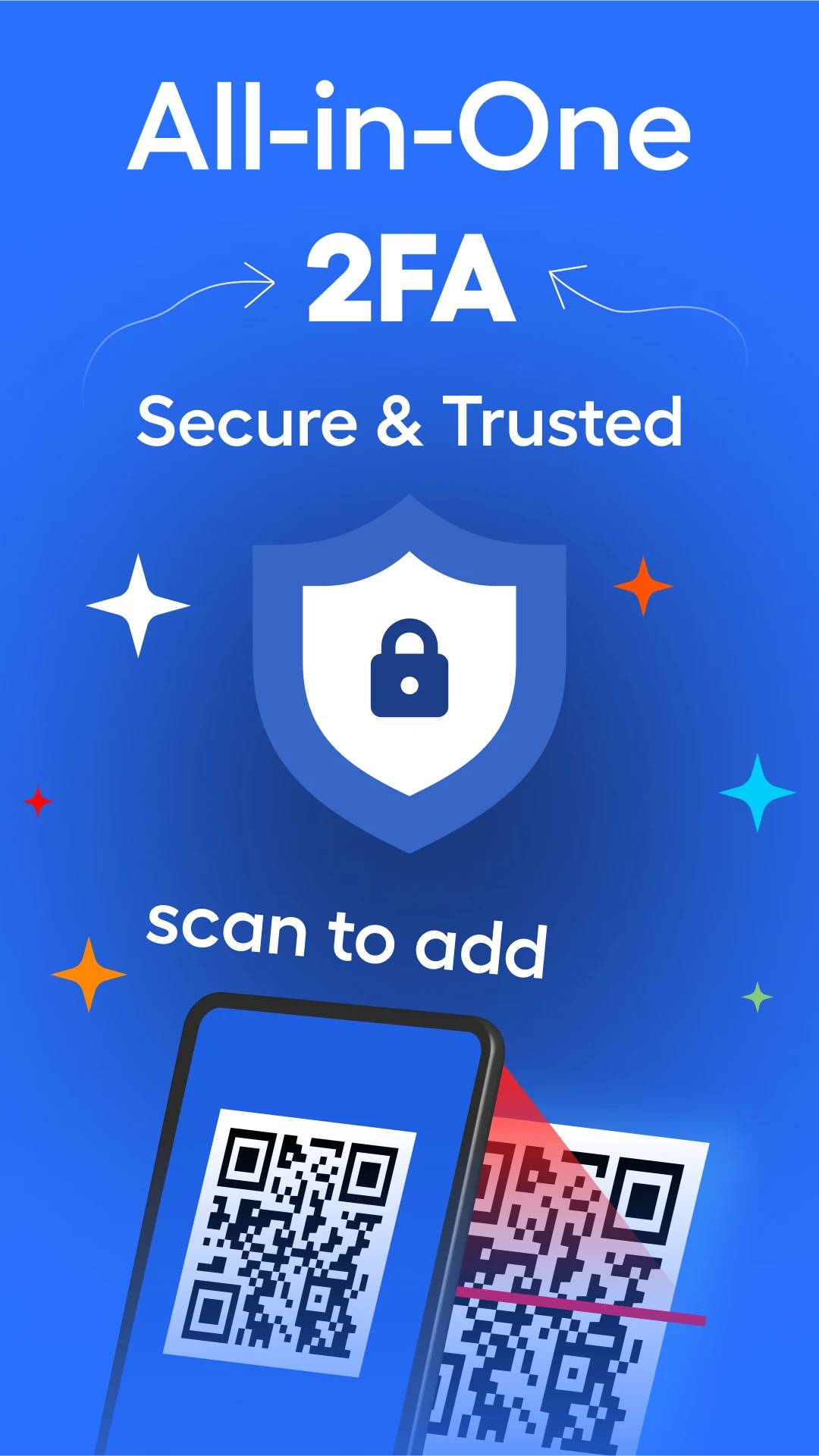
Enhance your online security with the Authenticator App: 2FA QR Code. This essential tool adds an extra layer of protection to your accounts by utilizing time-based one-time passwords (TOTP). Just scan a QR code from any compatible service to generate secure two-factor authentication (2FA) codes directly on your device. Whether you’re safeguarding personal or business accounts, this app offers reliability and ease of use designed for global users.
Features of Authenticator App: 2FA QR Code
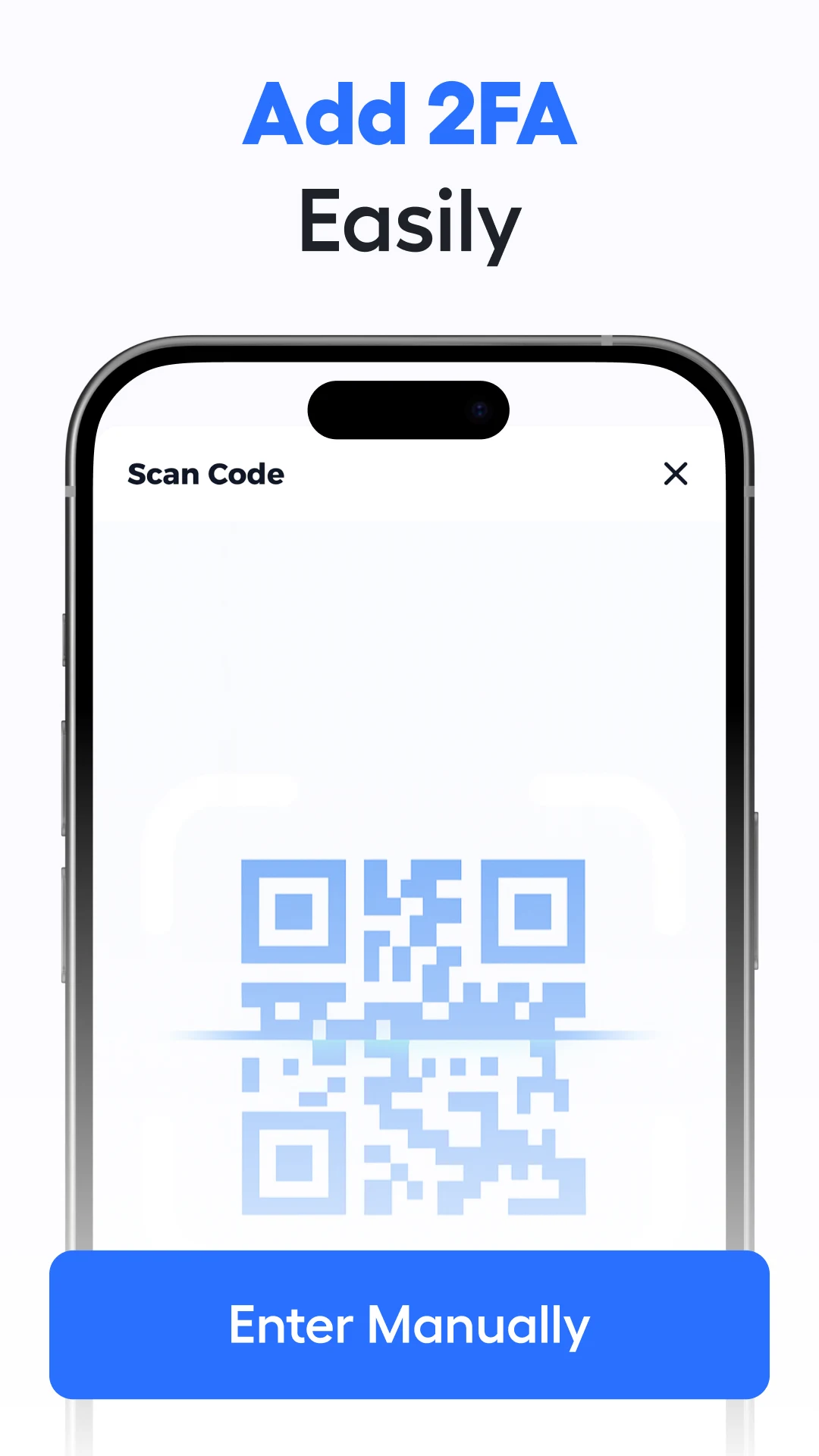
Streamlined QR code scanning for instant TOTP setup.
Broad compatibility with various platforms supporting 2FA.
Intuitive interface, ensuring a user-friendly experience.
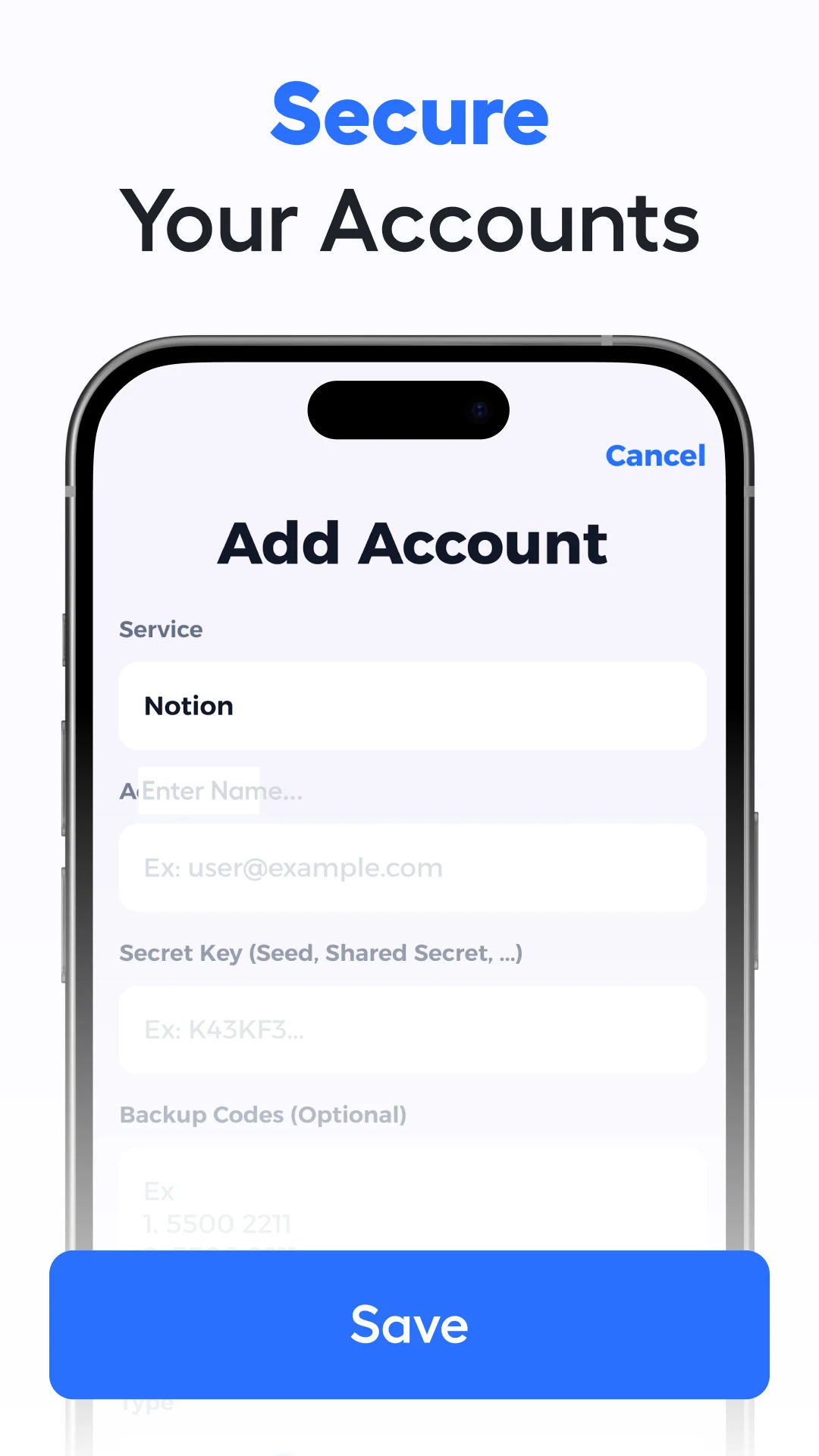
Securely store codes locally on your device.
No collection of personal data, maintaining privacy integrity.
Advantages of Authenticator App: 2FA QR Code
Enhanced security for online accounts.
Simple QR code scanning for setup.
Maintains privacy by storing data locally.
Compatible with numerous 2FA-supporting services.
Disadvantages of Authenticator App: 2FA QR Code
Requires a paid subscription for premium features.
Limited functionality without a subscription.
Dependency on user to safeguard recovery codes.
Market Performance
Users have praised the application for its ease of use and effectiveness in securing accounts. Positive reviews highlight its compatibility with various platforms and the straightforward setup process.
Version Information of Authenticator App: 2FA QR Code
Updates have regularly improved the app's interface and expanded compatibility with more services, ensuring users have the latest technology in 2FA at their fingertips.
Screenshots
Hot Topics
Explore More

CRE Móvil
Size:88.14MB
System Tools

Teleprompter: Floating Notes
Size:18.63MB
System Tools
Machining Calculator
Size:6.76MB
System Tools

FaceCam Screen Recorder
Size:4.58MB
System Tools

Cool Text, Ghost Text & Symbol
Size:4.78MB
System Tools

Authenticator: 2FA, Password
Size:17.39MB
System Tools

Screen Cast: Bluetooth Manager
Size:25.32MB
System Tools

life:) Registration
Size:36.83MB
System Tools

Quixa
Size:100.34MB
System Tools

All Video Downloader Movies
Size:37.15MB
System Tools

EZCast
Size:79.7MB
System Tools

Video Surveillance Ivideon
Size:16.85MB
System Tools
Latest News
Stardew Valley 1.7 Update Could Be Its Biggest Release Yet in 2027
10 28, 2026Nintendo Reveals Why Ocarina of Time Remake Has a Puppet-Like Style
10 28, 2026id Software and MachineGames Strengthen Collaboration Amid Staff Cuts
10 28, 2026Phantom Blade Zero Hits 830K Concurrent Steam Players in First Week
10 24, 2026