

Authenticator: 2FA, Password
Category :System Tools
Size :17.39MB
Versions:v1.3.9
Published:11 9, 2026
Package ID: twofa.account.authenticator
Developer: Instant Digital Technology Information LLC
Votes
9.0
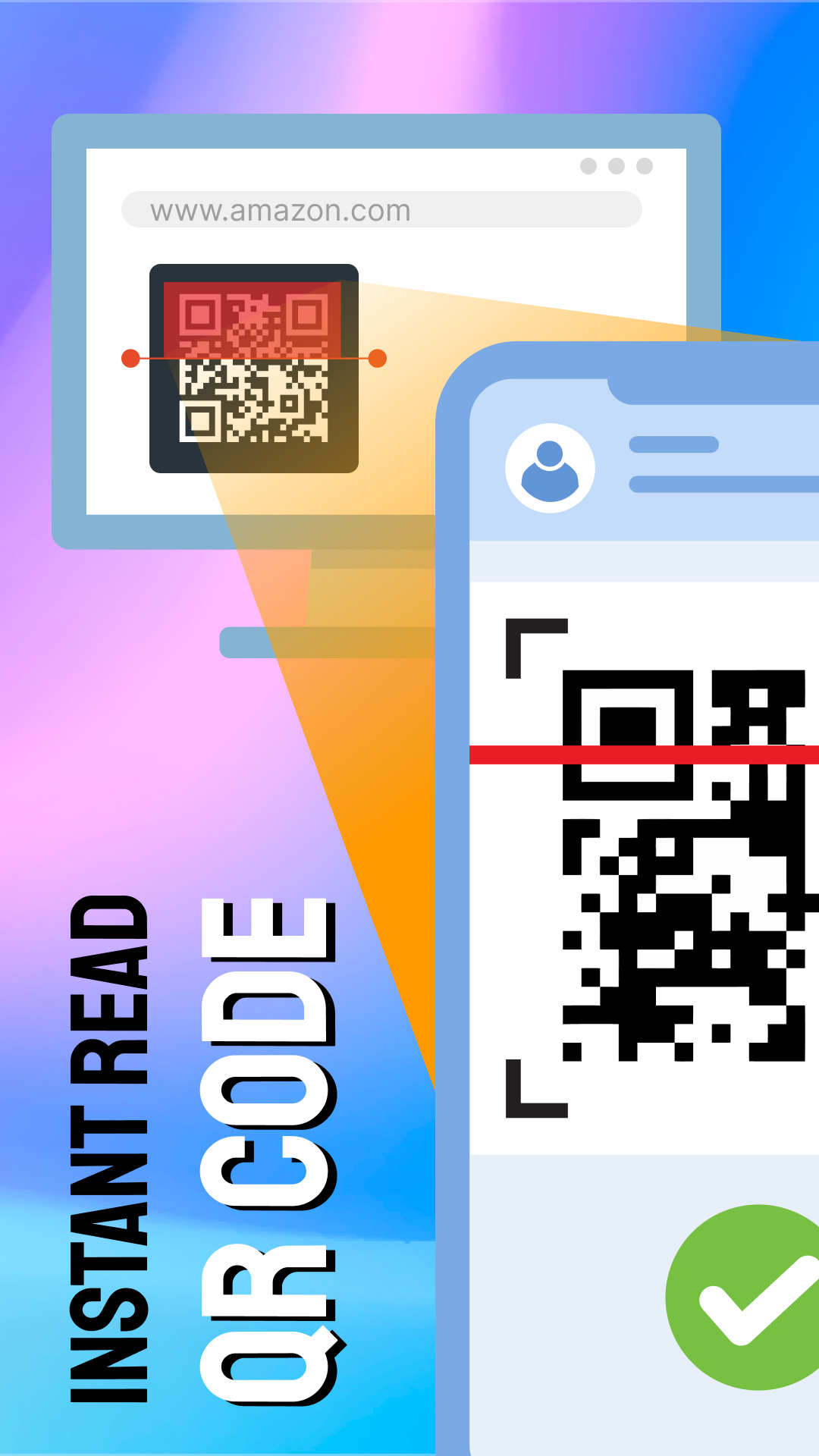
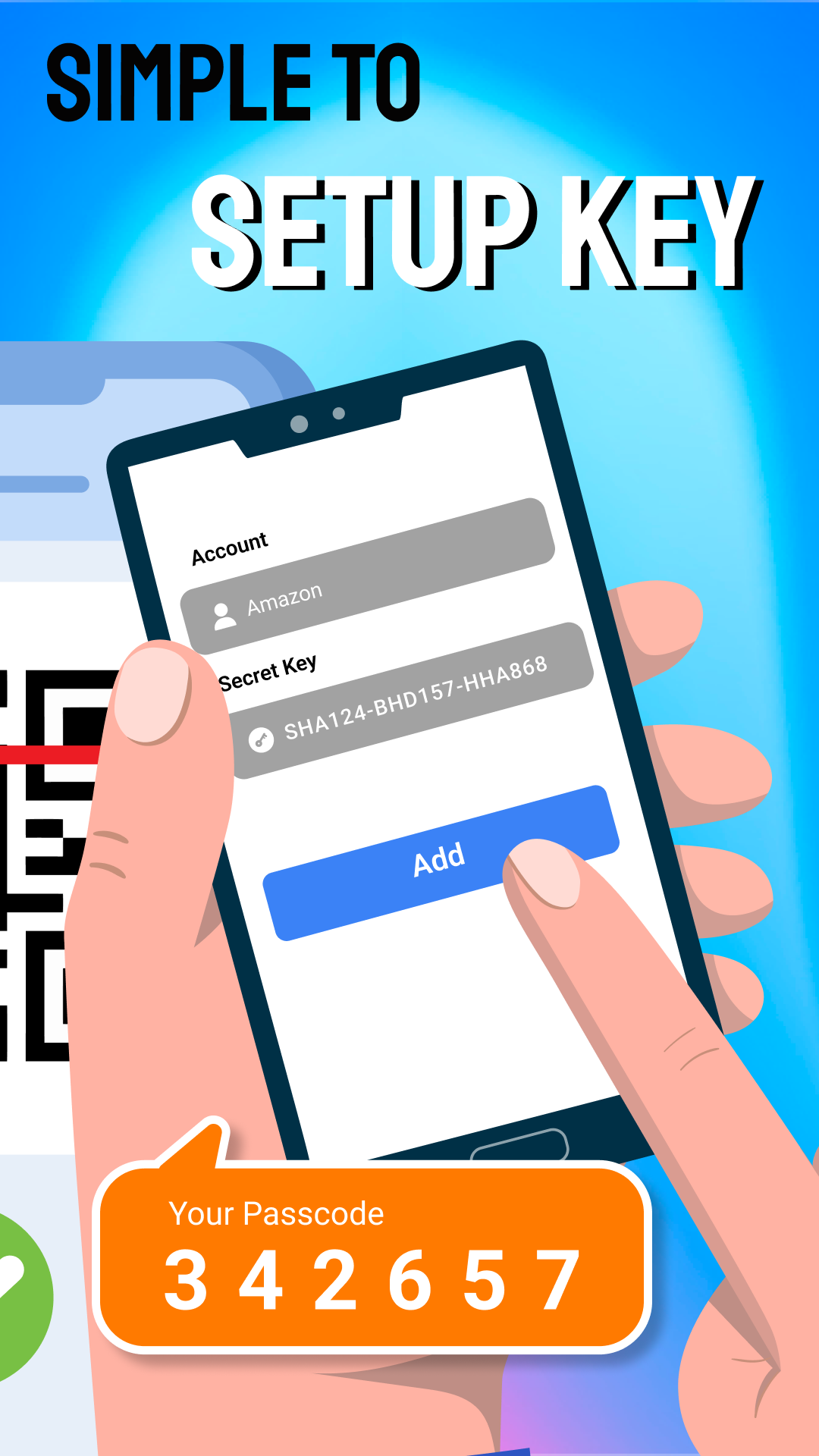
Authenticator: 2FA, Password is your ultimate tool for securing online accounts with robust two-factor authentication (2FA). This app ensures the highest level of security by leveraging a time-based one-time password algorithm (TOTP) to protect platforms like Facebook, Amazon, and Google. Its user-friendly interface and strong password capabilities make this security solution a must-have for individuals and businesses alike.
Features of Authenticator: 2FA, Password
- Generates time-sensitive authentication codes to enhance your account security.
- Supports SHA256, SHA1, and SHA512 algorithms for versatile multi-factor authentication.
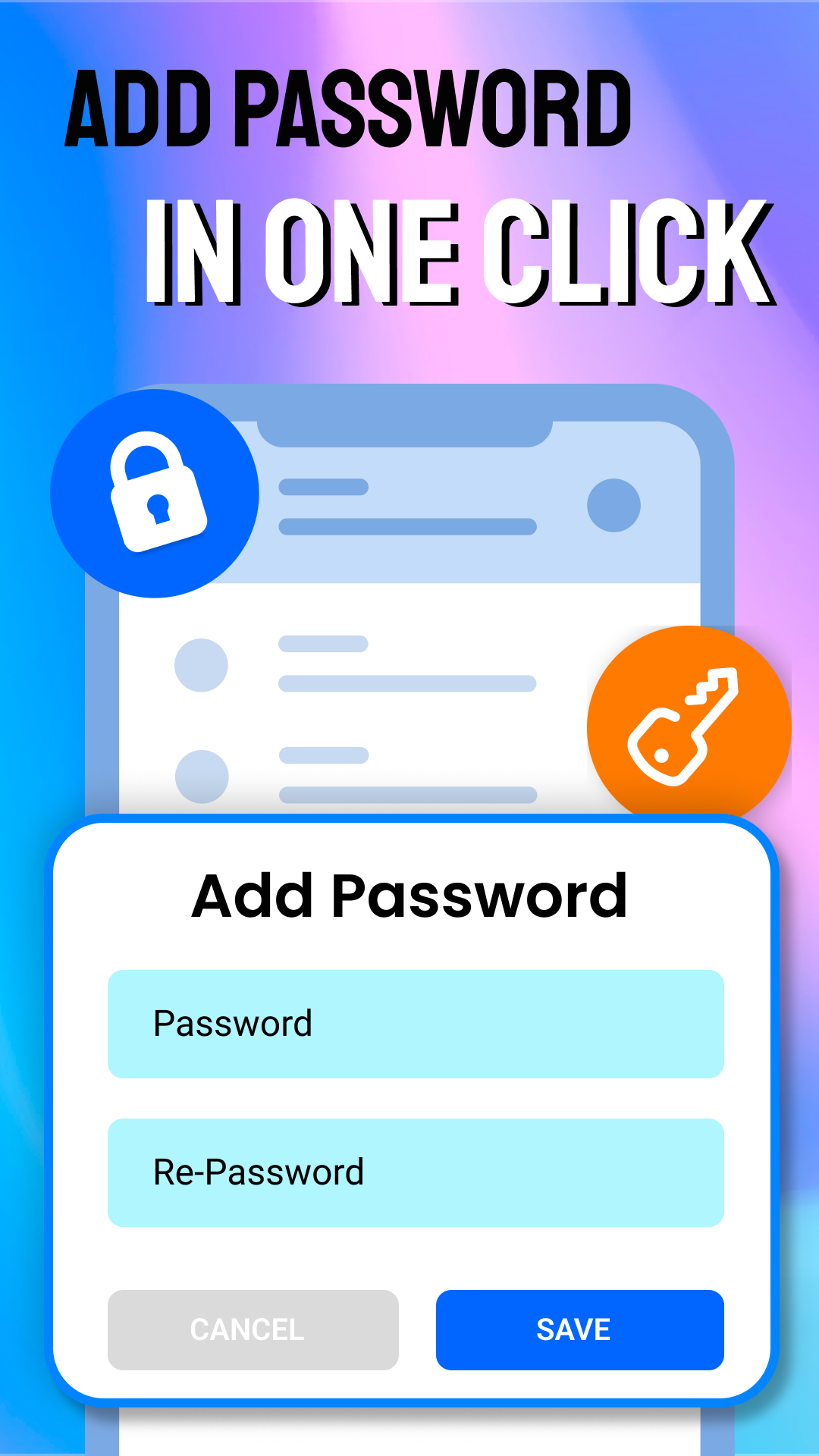
- Creates strong, unique passwords and QR codes for safe login.
- Automatically updates authentication codes every 30 seconds.
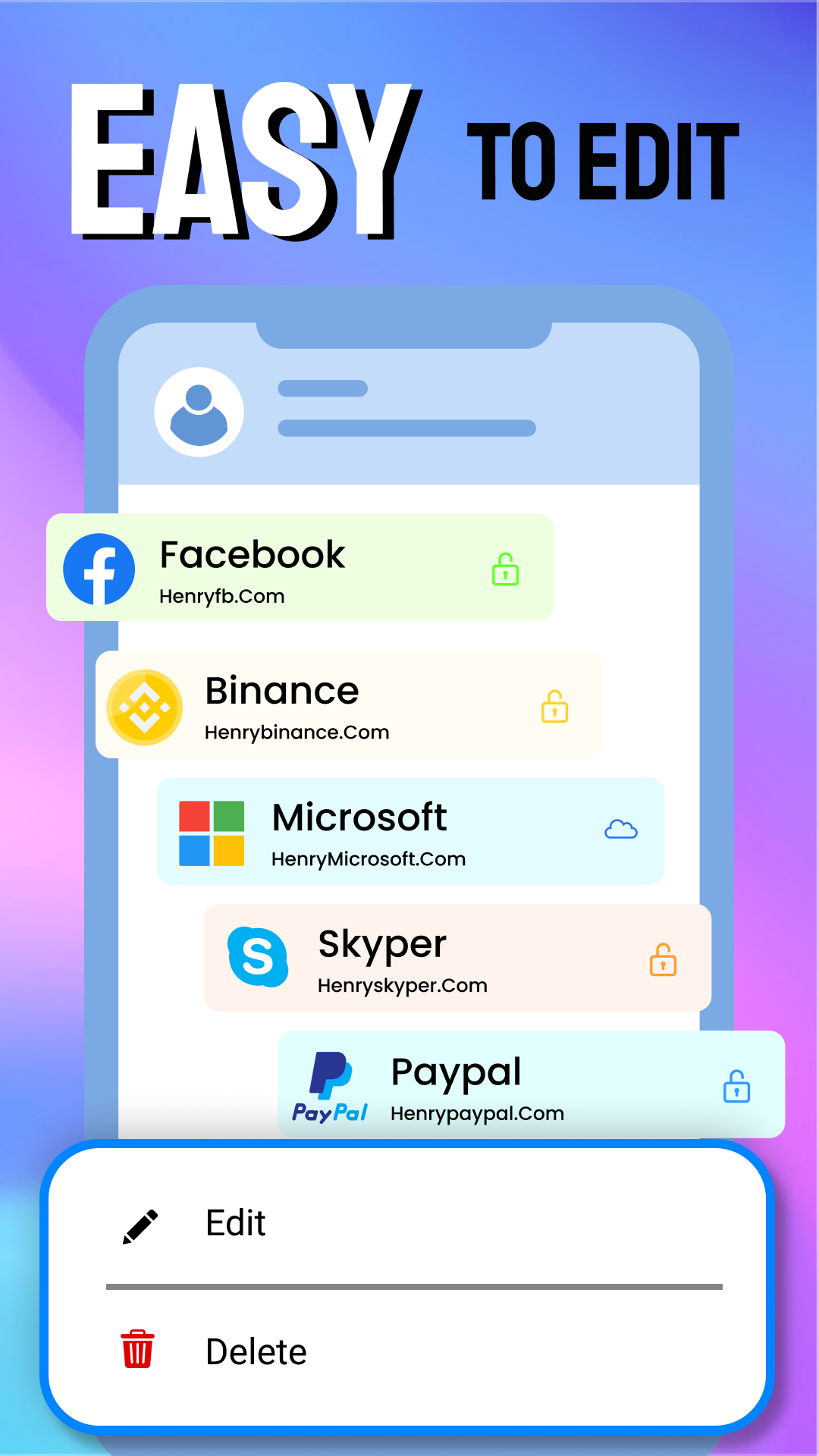
- Offers seamless login experiences with a built-in password manager.
- Displays code details for easy access and understanding.
Advantages of Authenticator: 2FA, Password
- Enhances security by making unauthorized access difficult.
- Provides real-time alerts for suspicious login attempts.
- Supports multiple platforms for comprehensive coverage.
- Allows easy recovery of accounts after breaches.
- User-friendly design suitable for both individuals and businesses.
Disadvantages of Authenticator: 2FA, Password
- Requires regular interaction to manage codes for different accounts.
- Relies on the availability of a secondary device for 2FA.
- May present challenges for users unfamiliar with 2FA systems.
Market Performance
Users have embraced Authenticator: 2FA, Password for its exceptional security features and ease of use. It enjoys a positive reputation among individual and enterprise users.
Version Information of Authenticator: 2FA, Password
Frequent updates enhance user experience and address security concerns by continuously improving the app's functionality and interface.
Screenshots

Explore More

Authenticator App: 2FA QR Code
Size:29.36MB
System Tools

CRE Móvil
Size:88.14MB
System Tools

Teleprompter: Floating Notes
Size:18.63MB
System Tools
Machining Calculator
Size:6.76MB
System Tools

FaceCam Screen Recorder
Size:4.58MB
System Tools

Cool Text, Ghost Text & Symbol
Size:4.78MB
System Tools

Screen Cast: Bluetooth Manager
Size:25.32MB
System Tools

life:) Registration
Size:36.83MB
System Tools

Quixa
Size:100.34MB
System Tools

All Video Downloader Movies
Size:37.15MB
System Tools

EZCast
Size:79.7MB
System Tools

Video Surveillance Ivideon
Size:16.85MB
System Tools
Latest News
Stardew Valley 1.7 Update Could Be Its Biggest Release Yet in 2027
10 28, 2026Nintendo Reveals Why Ocarina of Time Remake Has a Puppet-Like Style
10 28, 2026id Software and MachineGames Strengthen Collaboration Amid Staff Cuts
10 28, 2026Phantom Blade Zero Hits 830K Concurrent Steam Players in First Week
10 24, 2026