
FaceCam Screen Recorder
Category :System Tools
Size :4.58MB
Versions:v1.1.2
Published:11 9, 2026
Package ID: com.jayazone.facecam.screen.recorder
Developer: Jaya Zone Tech
Votes
9.7
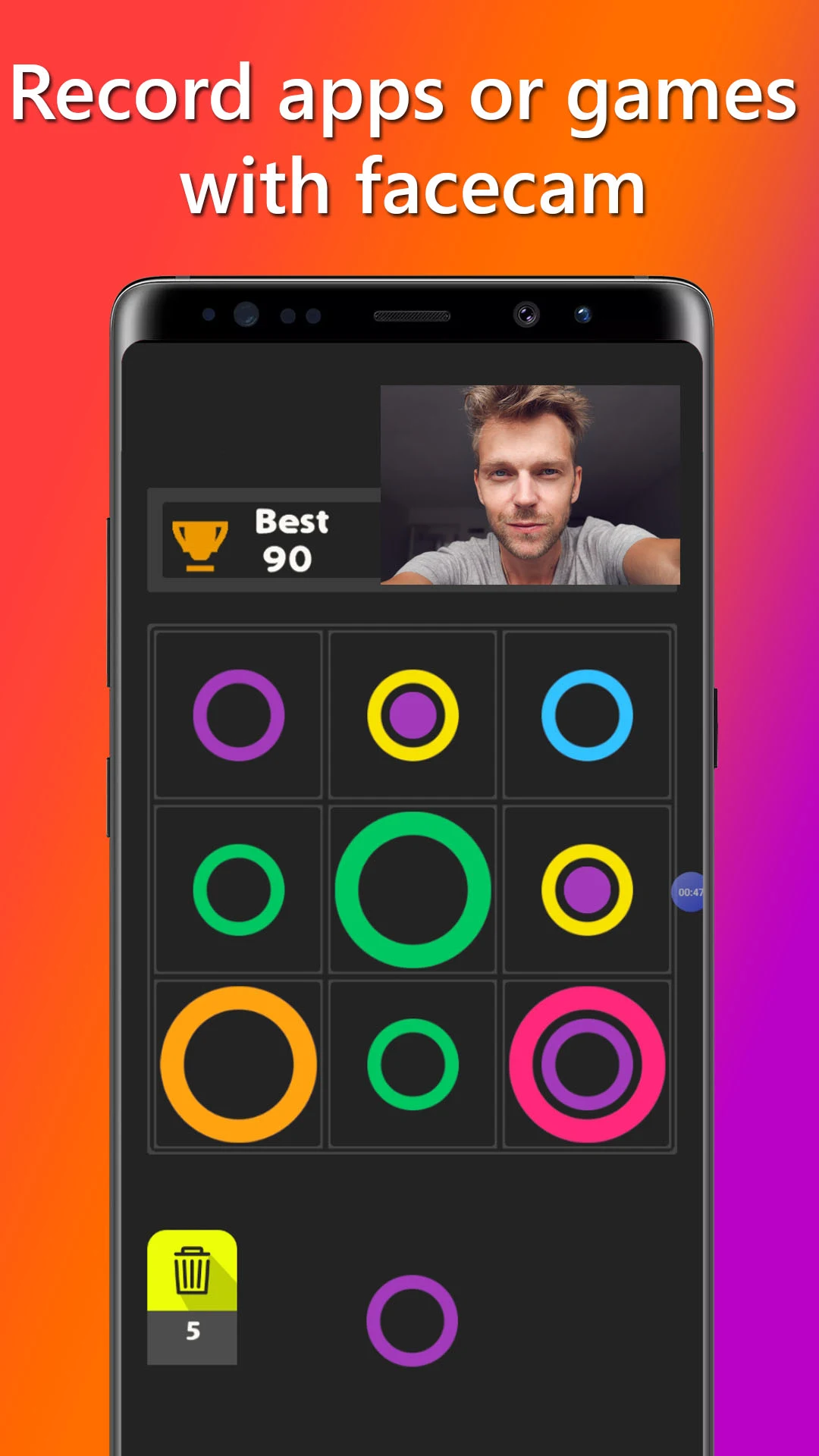
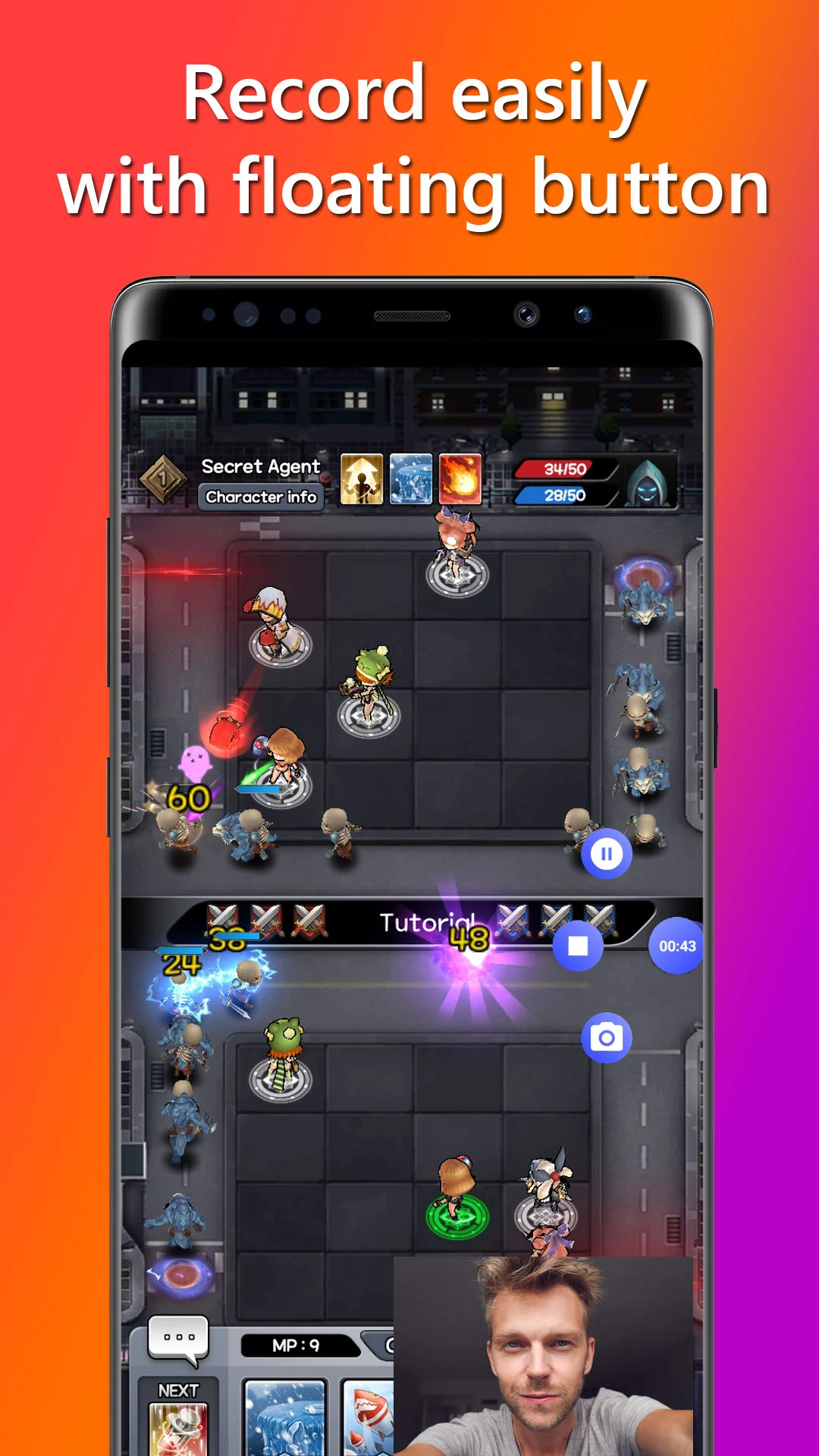
FaceCam Screen Recorder is an essential tool for anyone looking to capture their screen along with their facial reactions in real-time. Perfect for gamers, streamers, or content creators, this versatile app allows you to record your mobile screen while simultaneously broadcasting from your front camera. Packed with user-friendly features and customization options, FaceCam Screen Recorder empowers you to produce engaging video content with ease, bringing your unique personal touch to each recording.
Features of FaceCam Screen Recorder
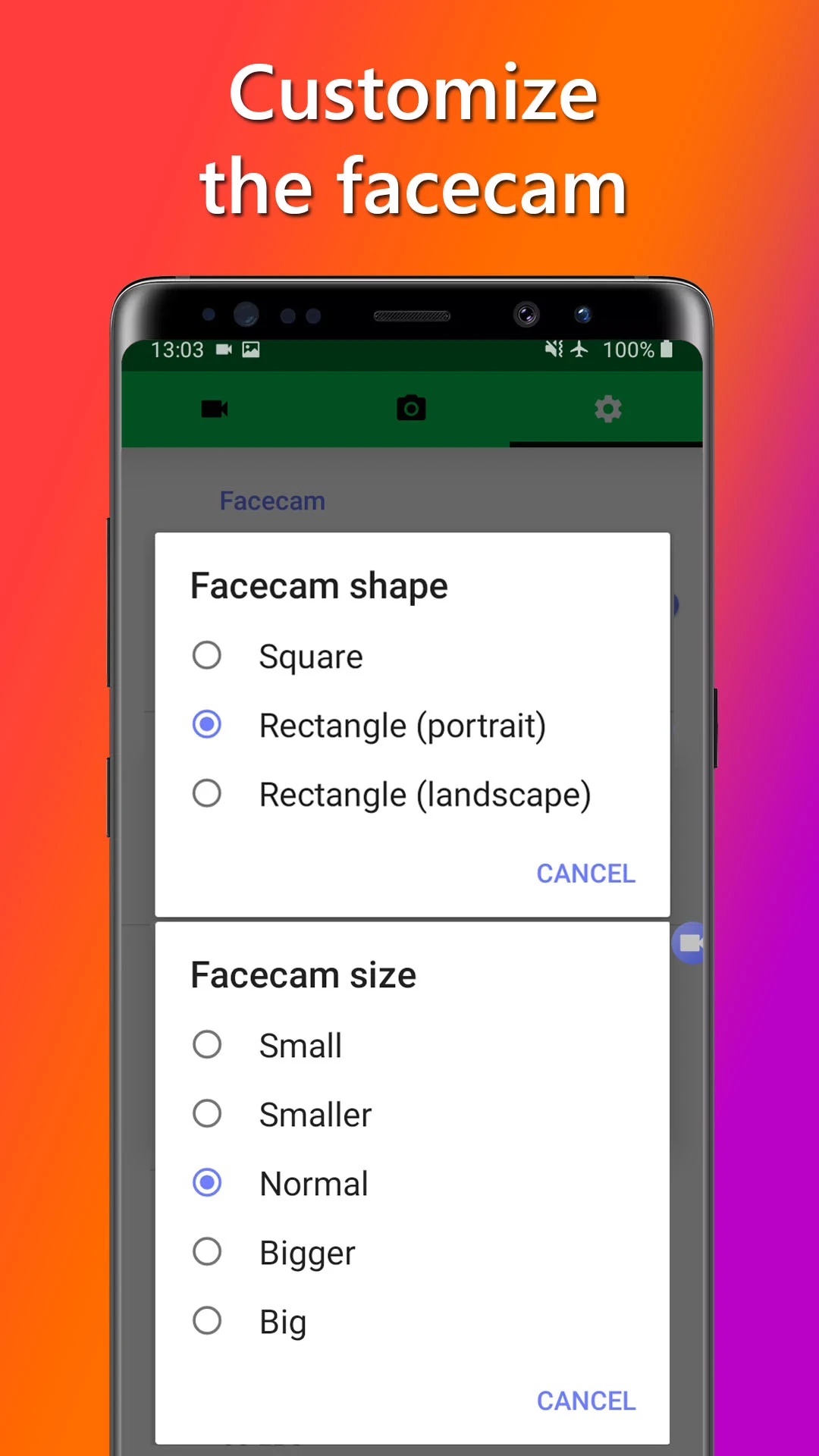
- Customize your face cam by adjusting its placement, size, and aspect ratio for the perfect fit.
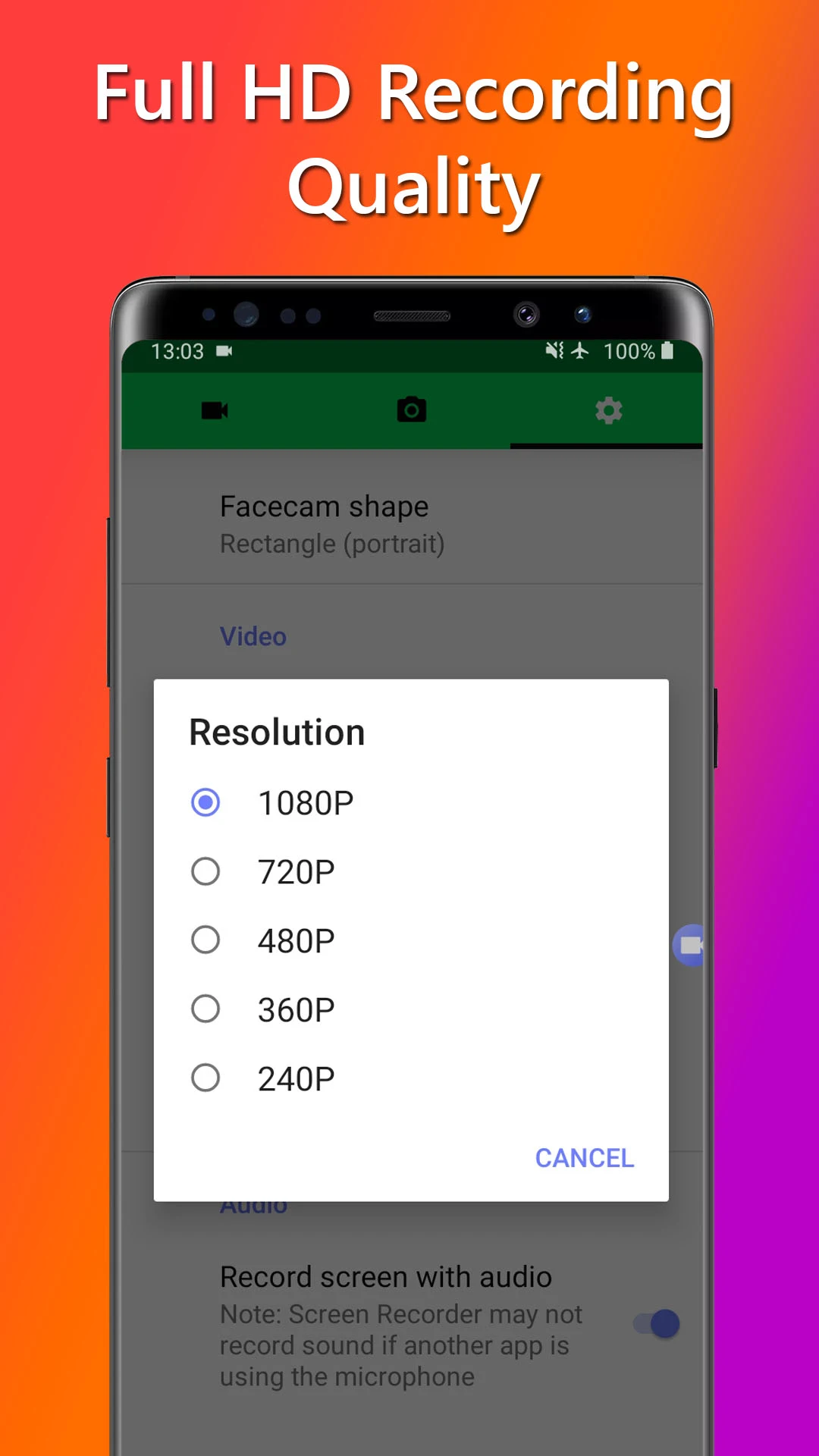
- Capture high-quality video with adjustable resolutions up to 1080p and customize the frame rate.
- Record audio flexibly with options to include microphone input or system audio.*
- Edit screenshots with text additions, cropping, and brightness adjustments to make standout thumbnails.
- Share your creations seamlessly on social media or import into other apps for further editing.
Advantages of FaceCam Screen Recorder
- Perfectly suited for creating content with both video and audio recording capabilities.
- Easy-to-use interface that simplifies the recording and editing process.
- Allows for real-time capture, making it ideal for live gameplay or tutorials.
- Recent updates have improved user control over video quality and audio sources.
Disadvantages of FaceCam Screen Recorder
- Certain advanced features require in-app purchases or subscriptions.
- The app is only available for Android devices, limiting cross-platform use.
Market Performance
FaceCam Screen Recorder has garnered positive feedback from users for its comprehensive feature set and ease of use, making it increasingly popular among gamers and content creators. While specific download figures are not available, it is praised for seamlessly integrating face and screen recording.
Version Information of FaceCam Screen Recorder
Recent updates have focused on user experience enhancements, such as streamlined interface improvements and more robust audio capturing capabilities. The app continues to evolve with regular updates aimed at improving its functionality and stability.
Screenshots
Explore More

Authenticator App: 2FA QR Code
Size:29.36MB
System Tools

CRE Móvil
Size:88.14MB
System Tools

Teleprompter: Floating Notes
Size:18.63MB
System Tools
Machining Calculator
Size:6.76MB
System Tools

Cool Text, Ghost Text & Symbol
Size:4.78MB
System Tools

Authenticator: 2FA, Password
Size:17.39MB
System Tools

Screen Cast: Bluetooth Manager
Size:25.32MB
System Tools

life:) Registration
Size:36.83MB
System Tools

Quixa
Size:100.34MB
System Tools

All Video Downloader Movies
Size:37.15MB
System Tools

EZCast
Size:79.7MB
System Tools

Video Surveillance Ivideon
Size:16.85MB
System Tools
Latest News
Stardew Valley 1.7 Update Could Be Its Biggest Release Yet in 2027
10 28, 2026Nintendo Reveals Why Ocarina of Time Remake Has a Puppet-Like Style
10 28, 2026id Software and MachineGames Strengthen Collaboration Amid Staff Cuts
10 28, 2026Phantom Blade Zero Hits 830K Concurrent Steam Players in First Week
10 24, 2026