Launcher OS
Category :Theme Wallpapers
Size :130.01MB
Versions:v7.0.2
Published:11 21, 2026
Package ID: com.babydola.launcherios
Developer: Apps Genz.
Votes
6.3
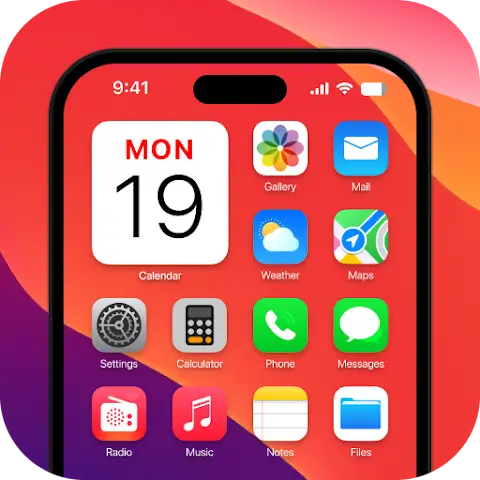
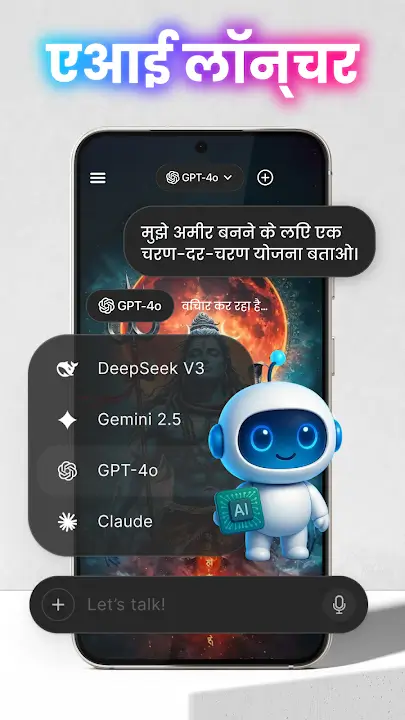
Launcher OS is a dynamic Android application that allows users to transform their devices into a sleek, iOS-style interface. By offering features such as a minimalist clutter-free design, enhanced animations, and intuitive user interactions, Android users can enjoy the aesthetic appeal of iOS while maintaining Android’s flexibility. Those who are fascinated by Apple's design but cherish Android's customization capabilities will find Launcher OS particularly captivating. By adopting Launcher OS, users can experience a harmonious blend of stylish visuals and practical functionality without switching to an iPhone.
iOS-Inspired Interface with Android Flexibility
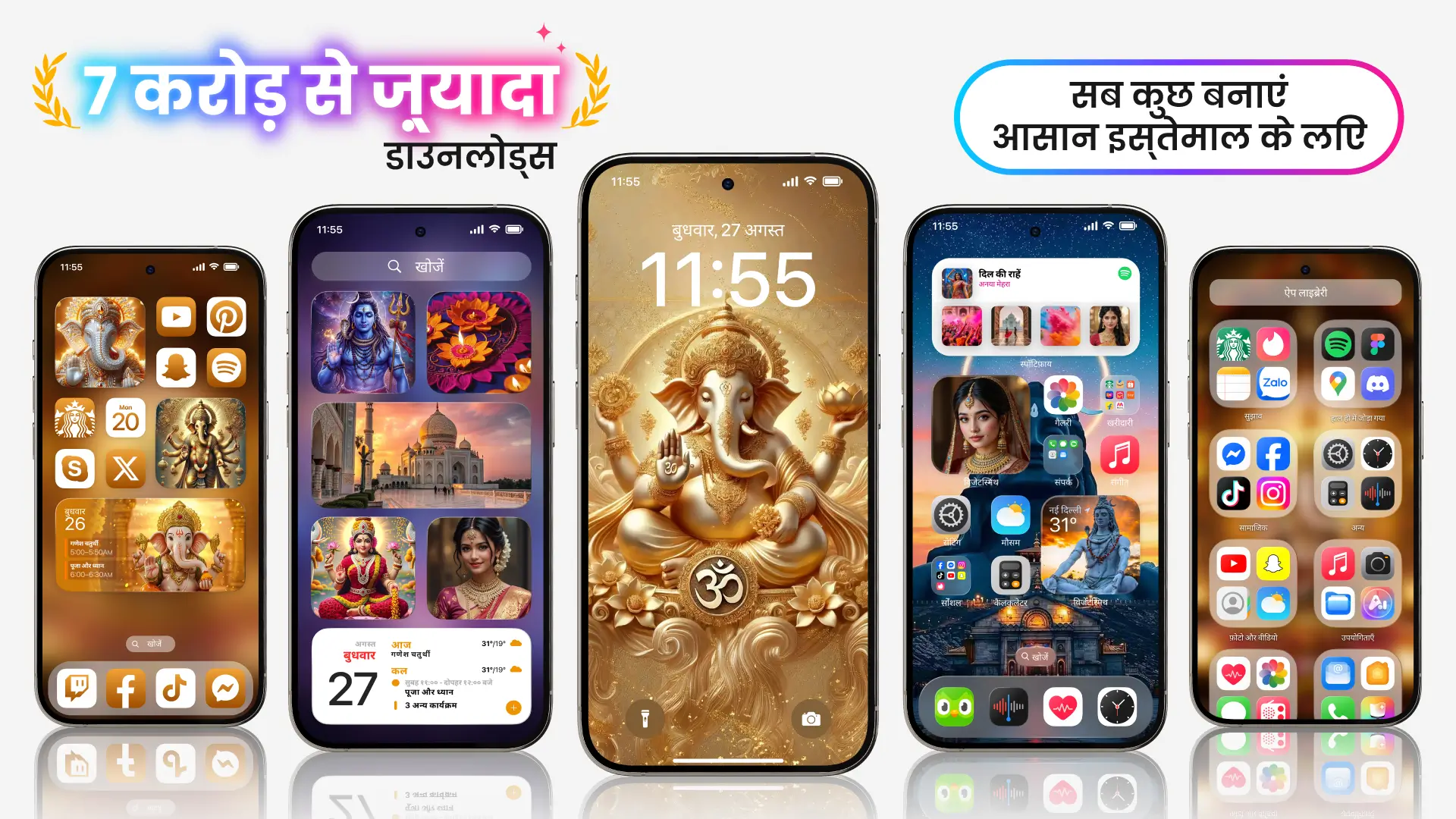
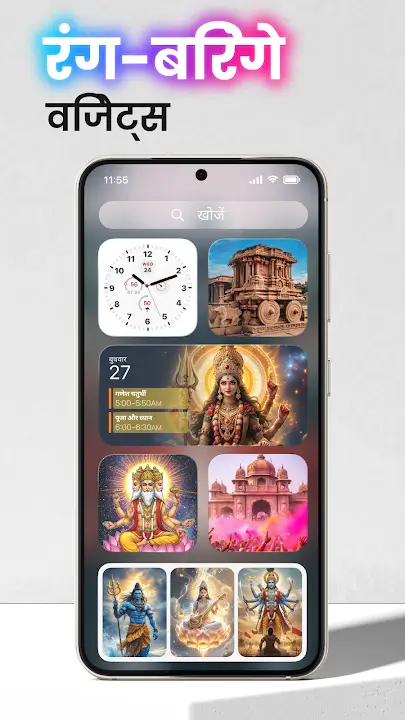
The primary appeal of Launcher OS lies in its ability to replicate an iOS-like look on Android devices. Users can enjoy elements such as the signature iOS grid system, rounded app icons, and a swipe-based Control Center that mirrors the visual style of recent iPhone models. This aesthetic transition comes without sacrificing Android’s open-ended customization, allowing users to modify icons and adjust wallpapers in HD or 4K resolutions, ensuring a personalized and visually pleasing interface.
Extensive Customization Options
Despite its faithful imitation of iOS aesthetics, Launcher OS offers extensive customization options that allow Android users to utilize its full potential. Users can personalize app icons—turning a photo of their dog into their WhatsApp icon, for example—along with the ability to adjust icon sizes, apply theme packs, or switch between dark and light modes. These customization capabilities make Launcher OS an ideal choice for those who value personal expression through their device’s appearance.
Smart Navigation and App Organization
Launcher OS enhances user experience by providing a smart search function similar to iOS Spotlight. This feature allows users to quickly locate apps, contacts, and files with a simple swipe gesture, while the built-in App Library categorizes applications into intuitive groups such as Social and Productivity, ensuring a clutter-free home screen. This organized and streamlined system is perfect for users who prefer efficient navigation.
Gesture Controls and Shortcut Keys
The launcher supports various gesture controls inspired by iOS, such as double-tap to lock the screen, swipe up to open the app drawer, and pinch to access settings, offering intuitive, one-handed use. The Touch Control Center and Assistive Touch features add further convenience, allowing users to create custom swipe actions for quick app access, enhancing daily device interactions.
Emphasis on Security and Privacy
Launcher OS places a strong emphasis on securing user privacy by incorporating features such as app lockers with PIN, pattern, or face unlock capabilities. Sensitive apps can be locked and disguised from the home screen, providing both aesthetic cleanliness and safeguarding personal information. This focus on privacy ensures peace of mind while maintaining a user's preferred aesthetic.
Transform Your Android Experience
Launcher OS effectively bridges the gap between the iOS and Android platforms, offering a visually stunning yet highly functional user experience. Its blend of powerful customization options and lightweight performance transforms any Android device into an elegant powerhouse. For users looking to merge the beauty of iOS design with the utility of Android customization, downloading Launcher OS will bring your device closer to your ideal smartphone experience. Explore its offerings today and redefine your Android interface.
Screenshots
Hot Topics
Explore More
Facemoji Keyboard
Size:57.92MB
Theme Wallpapers
Video Live Wallpaper
Size:16.39MB
Theme Wallpapers

Sticker Maker
Size:20.04MB
Theme Wallpapers

Halloween Girl Costume
Size:107.04MB
Theme Wallpapers
NotifyBuddy
Size:8.8MB
Theme Wallpapers
Keys Cafe
Size:41.88MB
Theme Wallpapers

Spheroid
Size:128.32MB
Theme Wallpapers
One S Launcher
Size:25.5MB
Theme Wallpapers
Wallfever
Size:7.31MB
Theme Wallpapers
Alpha Prime
Size:12.67MB
Theme Wallpapers
TeamPixel
Size:12.59MB
Theme Wallpapers

Bluric
Size:25.94MB
Theme Wallpapers
Latest News
Stardew Valley 1.7 Update Could Be Its Biggest Release Yet in 2027
10 28, 2026Nintendo Reveals Why Ocarina of Time Remake Has a Puppet-Like Style
10 28, 2026id Software and MachineGames Strengthen Collaboration Amid Staff Cuts
10 28, 2026Phantom Blade Zero Hits 830K Concurrent Steam Players in First Week
10 24, 2026