Tracer! Lightbox tracing app
Category :Work & Study
Size :4.87MB
Versions:v2.0.35
Published:11 6, 2026
Package ID: twitch.angelandroidapps.tracerlightbox
Developer: Angel Koh
Votes
9.3
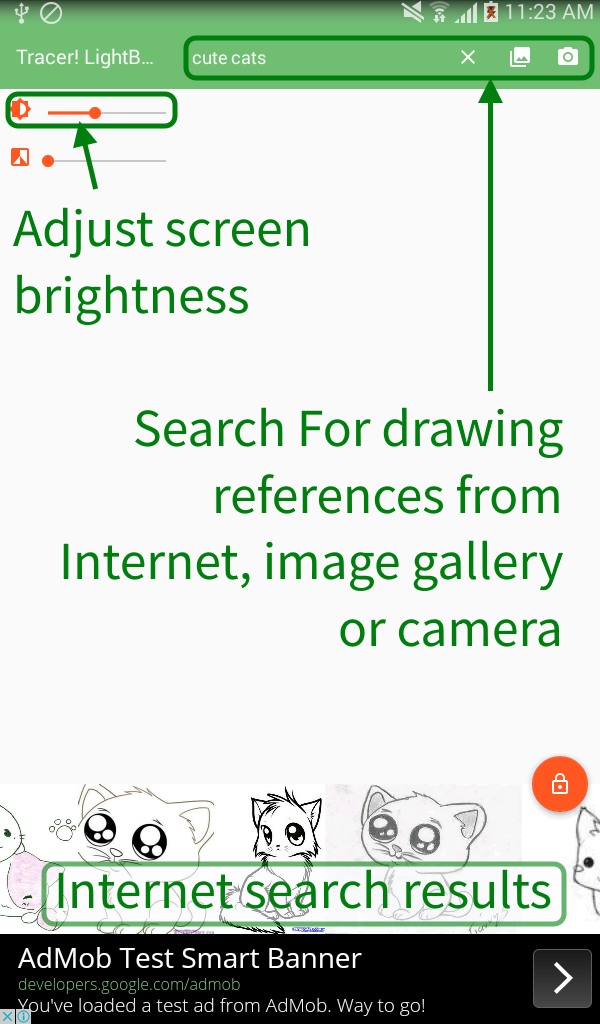
Tracer! Lightbox tracing app is an innovative tool crafted for artists and hobbyists who enjoy hands-on drawing and illustration. The app transforms your device into a dynamic lightbox, helping you trace intricate designs with ease. By selecting a reference image from your gallery, the web, or a direct photo, and placing tracing paper over your screen, you can create precise sketches effortlessly. With its user-friendly interface and unique features like brightness adjustment and screen locking, Tracer! is designed to enhance your creative pursuits, adding a seamless digital touch to your traditional art endeavors.
Features of Tracer! Lightbox tracing app
Adjustable Brightness: Modify the screen's brightness for optimal tracing visibility.
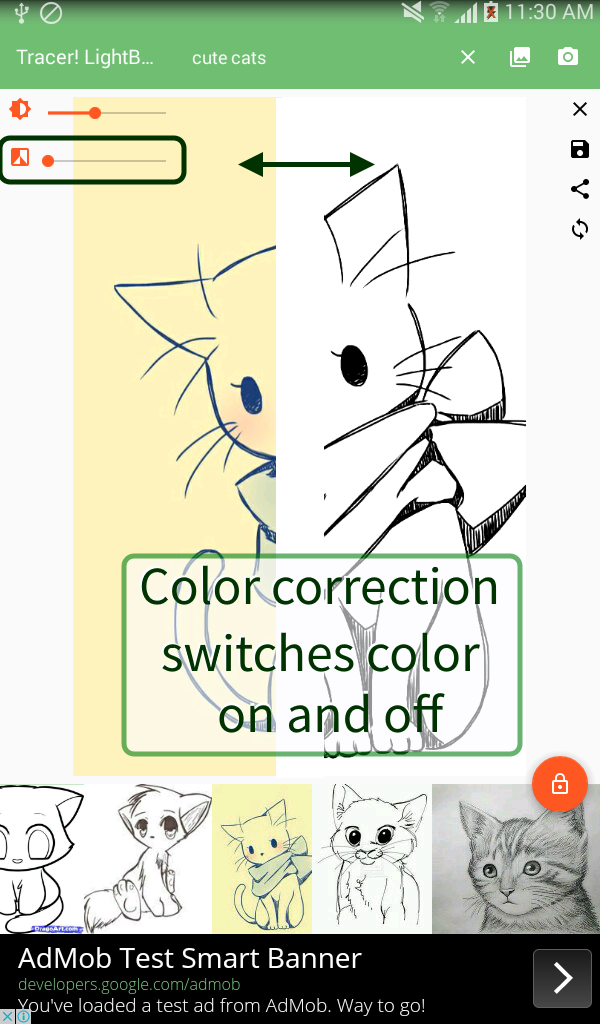
Color Adjustment: Enhance grayscale settings for better contrast in your images.
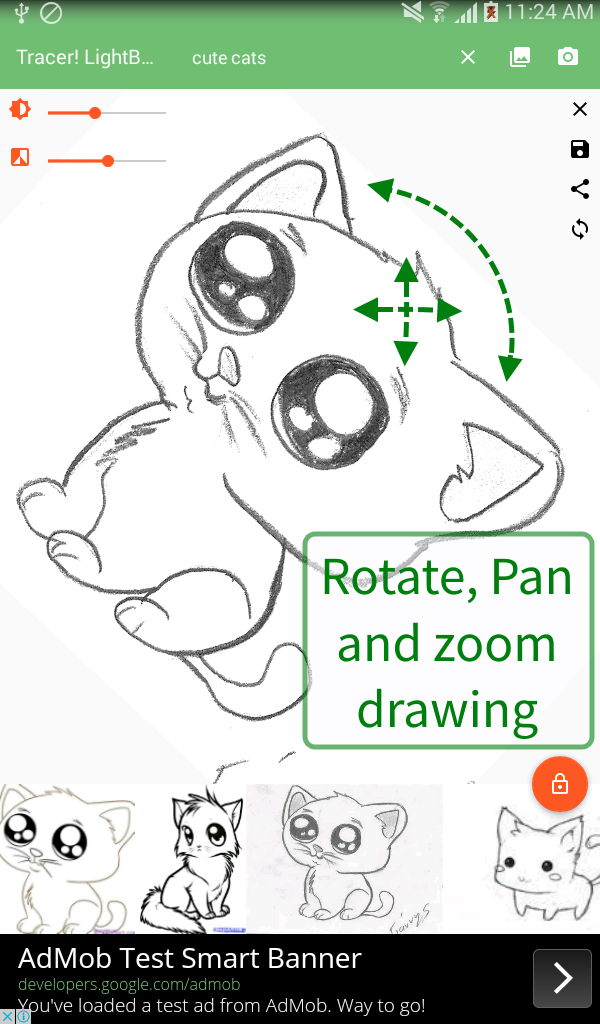
Image Manipulation: Pan, rotate, and zoom in on your reference images for detailed work.
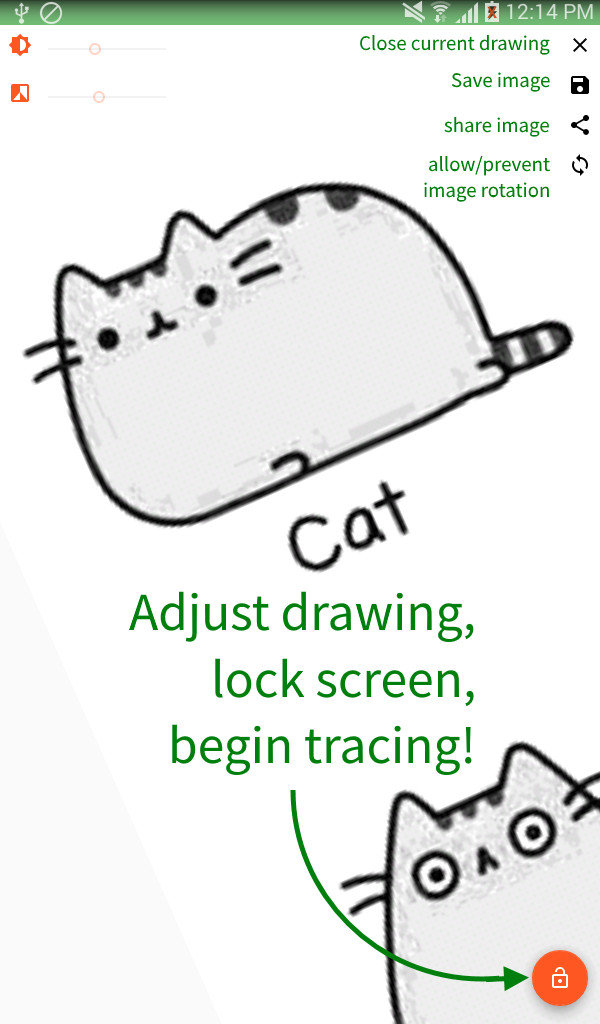
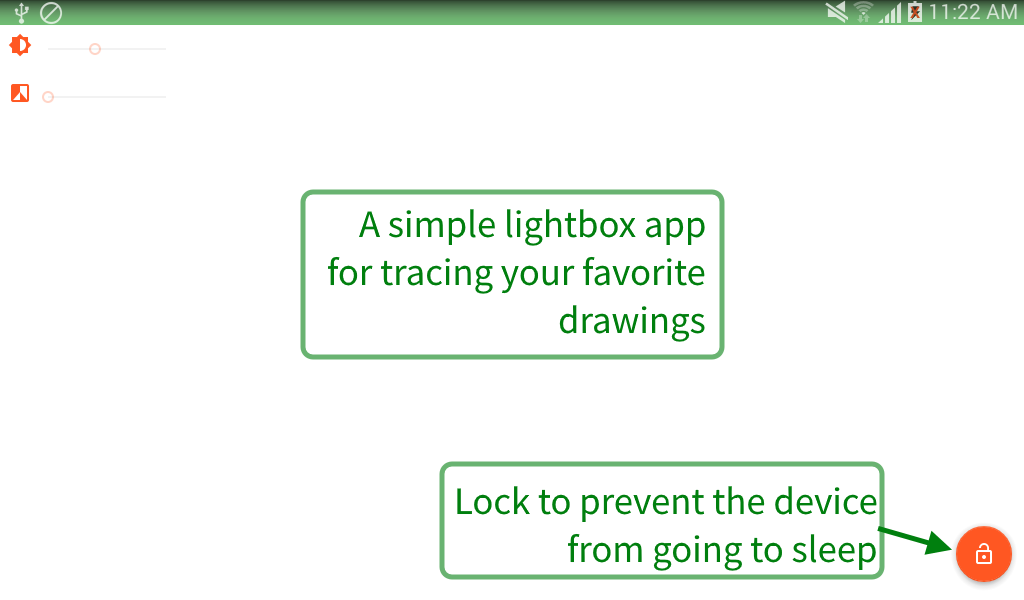
Lock Screen Functionality: Prevent your device from sleeping while you focus on tracing.
Resourceful Image Access: Use images from your device storage, web search, or new photo captures.
Share and Save: Easily save and share tracing projects for continued use.
Advantages of Tracer! Lightbox tracing app
Ideal for Artists of All Levels: Supports students, professionals, and casual creators alike.
Versatile Use Cases: Perfect for stenciling, calligraphy, tattoo design, and more.
Offline Accessibility: Once images are stored, enjoy tracing without an internet connection.
User-Friendly Interface: Straightforward functionality that makes tracing stress-free.
Disadvantages of Tracer! Lightbox tracing app
Potential Screen Strain: Continuous use may require frequent device adjustments.
Limited by Device Size: Larger projects might be constrained by the screen dimensions.
Dependency on Device Brightness: Effective tracing may rely on maximum screen brightness.
Market Performance
Tracer! has been well-received by its user base, earning praise for its practicality and ease of use among hobbyists and professional artists. While specific download numbers are not publicly available, the app maintains a positive reputation in creative communities.
Version Information of Tracer! Lightbox tracing app
Tracer! often updates to incorporate user feedback, providing enhancements in usability and functionality. Recent trends show a focus on refining image handling capabilities and user interface improvements.
Screenshots
Hot Topics
Explore More

Stylish Name Maker Namestyle
Size:41.21MB
Work & Study
Vector Ink: SVG, Illustrator
Size:16.83MB
Work & Study

Trace Drawing
Size:37.18MB
Work & Study
Name Creator
Size:17.23MB
Work & Study

Poster Maker
Size:33.63MB
Work & Study
MediBang Paint
Size:62.67MB
Work & Study
AR Drawing: Sketch & Paint
Size:22.95MB
Work & Study

Fontly
Size:34.7MB
Work & Study

Virink
Size:23.31MB
Work & Study

Garden Coloring Book
Size:34.89MB
Work & Study

Graphic Design & Logo Maker
Size:6.73MB
Work & Study

Monet
Size:142.89MB
Work & Study
Latest News
Stardew Valley 1.7 Update Could Be Its Biggest Release Yet in 2027
10 28, 2026Nintendo Reveals Why Ocarina of Time Remake Has a Puppet-Like Style
10 28, 2026id Software and MachineGames Strengthen Collaboration Amid Staff Cuts
10 28, 2026Phantom Blade Zero Hits 830K Concurrent Steam Players in First Week
10 24, 2026