Octopus Pro
Category :System Tools
Size :14.87MB
Versions:v7.2.8
Published:11 23, 2026
Package ID: com.chaozhuo.gameassistant
Developer: Octopus Gaming Studio.
Votes
8.5
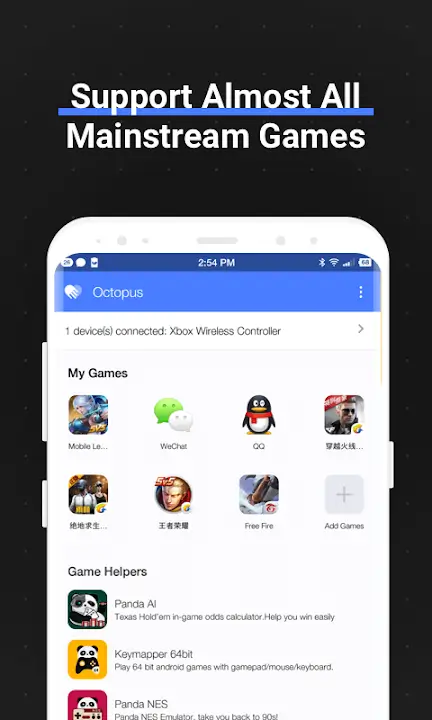
Octopus Pro is a versatile Android application designed to enhance your mobile gaming experience by enabling the use of peripherals like keyboards, mice, and game controllers. With Octopus Pro, you can effortlessly map keys to create a PC-like gaming environment on your smartphone. Android users will find this particularly appealing as it allows them to play nearly any game from the Google Play Store with improved control and precision, bridging the gap between mobile and PC gaming.
Unlock Seamless Gaming Control
- Octopus Pro empowers users with advanced key mapping technology that supports a wide range of hardware, including Xbox, PS, and IPEGa devices. This feature ensures compatibility with nearly all major game releases.
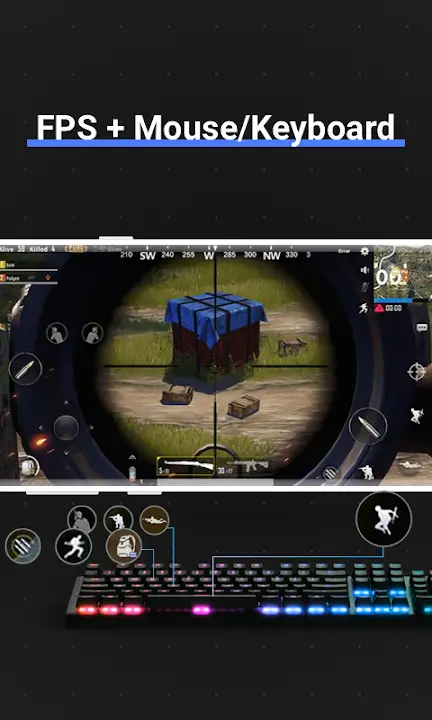
- With over 30 pre-configured key mapping presets, setting up control schemes for games like PUBG Mobile is as simple as a single click. This convenience saves time and streamlines the gaming process.
Feature-Packed Utility
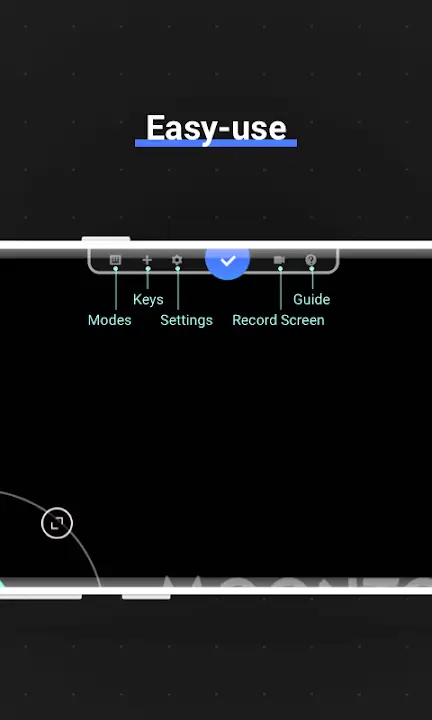
One of the standout offerings of Octopus Pro is its customization capability, giving users over 20 different control options to tailor their gaming experience. The application also boasts a built-in screen recording feature, allowing you to capture your gaming highlights easily. This tool is invaluable for gamers who want to record their gameplay without the need for additional software.
Professional Features for Enhanced Experience
The Pro version of Octopus introduces premium features such as a customizable virtual mouse and the ability to configure multiple screen taps simultaneously. These enhancements aim to elevate the overall mobile gaming experience, offering a level of control previously only available on desktop systems.
Seamless User Integration
Octopus Pro not only supports a plethora of hardware devices but also includes virtual location services and RAM optimization features to improve game performance by reducing lag and frame drops. This ensures a smoother and more immersive gaming session for the user.
Conclusion
In sum, Octopus Pro revolutionizes mobile gaming by bringing cherished desktop control mechanics to Android devices. Those who seek the flexibility of playing with a keyboard, mouse, or controller on their smartphones will find immense value in this application. For interested users, exploring the Octopus Pro APK download options available on Android platforms will open the door to a superior gaming experience. Enjoy connectivity and control without investing in costly gaming PCs.
Screenshots
Explore More

VPN Master
Size:18.87MB
System Tools

VPNhub
Size:28.18MB
System Tools

Funimate
Size:143.25MB
System Tools

UgPhone
Size:130.81MB
System Tools

Do It Now
Size:17.51MB
System Tools

Speedy Quark VPN
Size:52.21MB
System Tools

MelMod
Size:22.82MB
System Tools
Translate
Size:9.29MB
System Tools
Dtel Telecom
Size:37.25MB
System Tools
TW Down
Size:23.92MB
System Tools

Smile Launcher
Size:33.97MB
System Tools

Termux
Size:24.54MB
System Tools
Latest News
Stardew Valley 1.7 Update Could Be Its Biggest Release Yet in 2027
10 28, 2026Nintendo Reveals Why Ocarina of Time Remake Has a Puppet-Like Style
10 28, 2026id Software and MachineGames Strengthen Collaboration Amid Staff Cuts
10 28, 2026Phantom Blade Zero Hits 830K Concurrent Steam Players in First Week
10 24, 2026